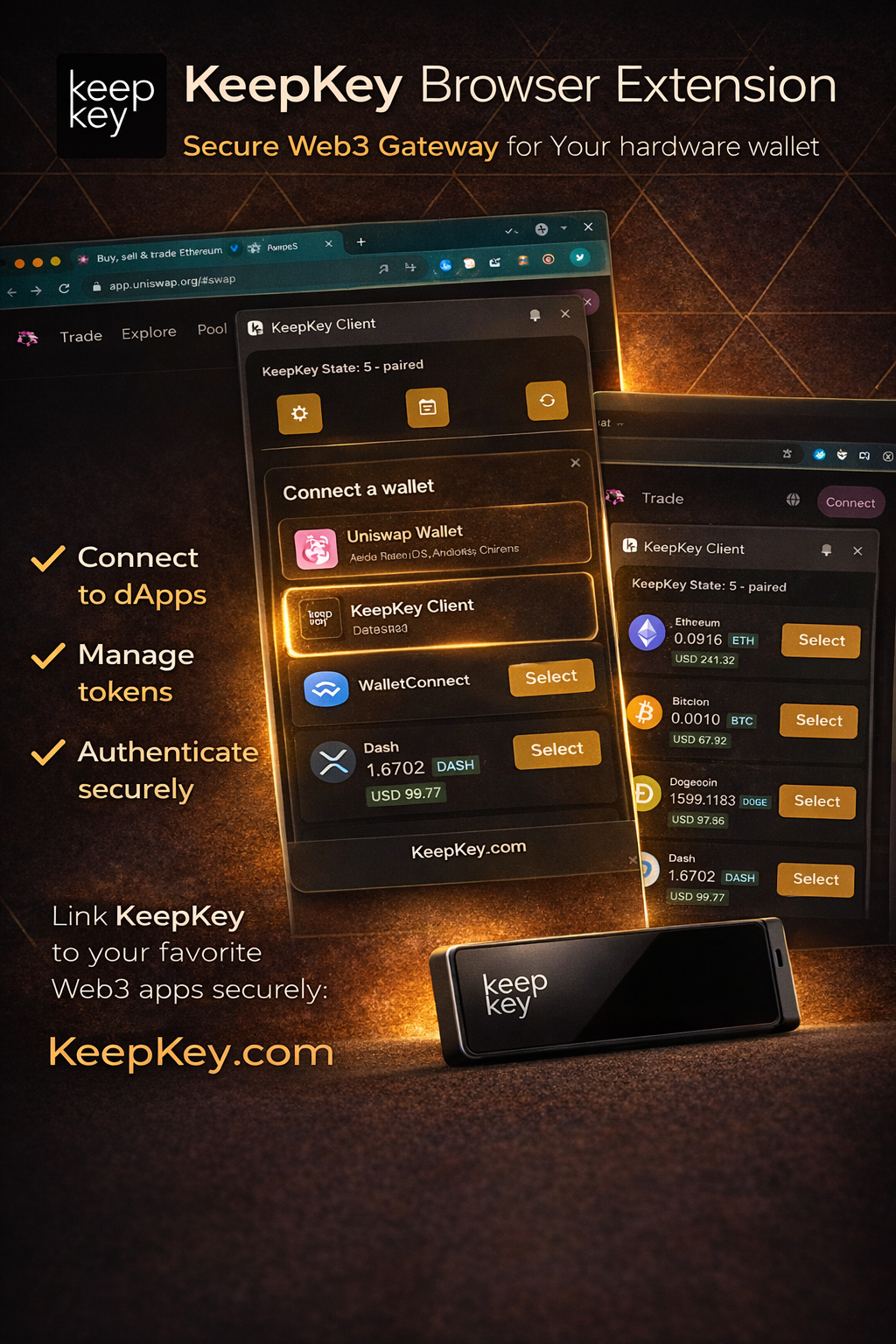
Your Web3 Gateway
Everything you need to securely interact with the decentralized web
Connect to dApps
Seamlessly connect to Uniswap, OpenSea, Aave, and thousands of other decentralized applications through the standard Web3 interface.
Manage Tokens
View balances, send transactions, and manage all your tokens and NFTs directly from your browser with real-time updates.
Authenticate Securely
Every transaction requires confirmation on your KeepKey device. Your private keys never leave the hardware wallet.
Multi-Chain Support
Ethereum, Bitcoin, Cosmos, Thorchain, and 40+ blockchains—all manageable from a single, unified interface.
Web3 Standard
Built on the industry-standard window.ethereum interface for maximum compatibility with existing dApps.
Open Source
Fully transparent, auditable code. Review every line on GitHub and verify what's running in your browser.
Simple Setup, Maximum Security
Get started with the KeepKey Browser Extension in just a few clicks
1
Install Extension
Add the KeepKey Browser Extension from the Chrome Web Store with one click
2
Connect KeepKey
Plug in your KeepKey hardware wallet and pair it with the extension
3
Access Web3
Start connecting to dApps and managing your digital assets securely
Don't have a KeepKey yet?
Get the Hardware Wallet You Can Verify
Open-source firmware and hardware schematics. 400+ cryptocurrencies. Built-in decentralized swaps. Premium aluminum. All for $49.95.
Open source
Free shipping
Free apps included